
Documentation grounded in recorded work
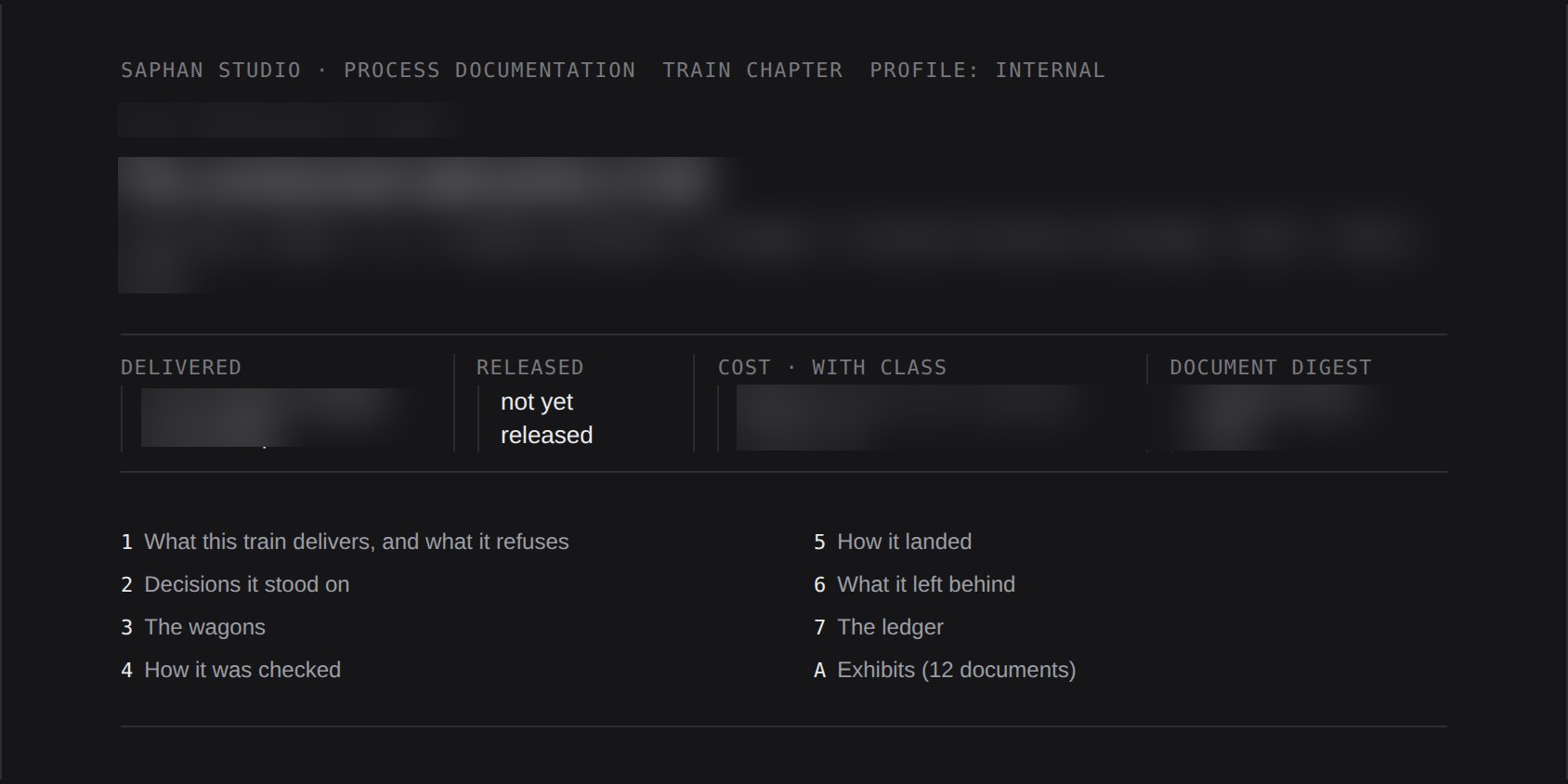
Task scope, decisions, costs and source documents in one chapter. The team can revisit the evidence behind a change.
Oversight for AI coding agents
Know what the agent did and who approved the change. Saphan Studio brings task descriptions, agent outputs and human decisions into one history. It helps you check what changed in the software and why the result was accepted.
Solo, plus the partner programme for Team and Enterprise.
From a conversation with an agent to a decision on a change. Explore Saphan Studio through real screens and choose the area most relevant to your team.

Overview brings together tasks awaiting a decision and active roles. See what needs your attention before exploring the details.

The machines and seats list shows availability and session usage. See where agents are working and which resources they can use.

The seats view brings Claude Code, Codex and Qwen Code together with their status. Use it as a reference when planning fleet workloads.

Advisor helps clarify a task and explains access restrictions. The conversation history preserves the context behind decisions.

Follow agreements, questions and materials for the next step in your conversation with the advisor.

The conversation view shows the preparation of a work scope for the Master role. Instructions and context remain available in one place.

Master works from an agreed scope and operating rules. The conversation shows the information needed before a task can begin.

Review the Master conversation to revisit checks, missing information and subsequent decisions.

Choose instructions from the library and review them before use. Repeatable tasks can start from a shared reference point.

Filters, tags, format checks and the test view help prepare an instruction before it is passed to an agent.

The Policies panel presents communication rules, permitted hosts, limits and approval stages. Explore the boundaries within which agents operate.

Bug Harvester organises reports, statuses and measurements. Problem details stay with each report to support assessment.

The reports dashboard brings together merged changes, reviews and repository activity. The figures shown are demonstration data.

Burndown, burnup and flow charts show changes in scope and work status over time, helping identify areas that need attention.

The report brings together work streams, merges and decision gates, making it easier to move from the overview to a specific task.

Notifications show when a decision is needed and what has been approved. A link takes you to the relevant console view.
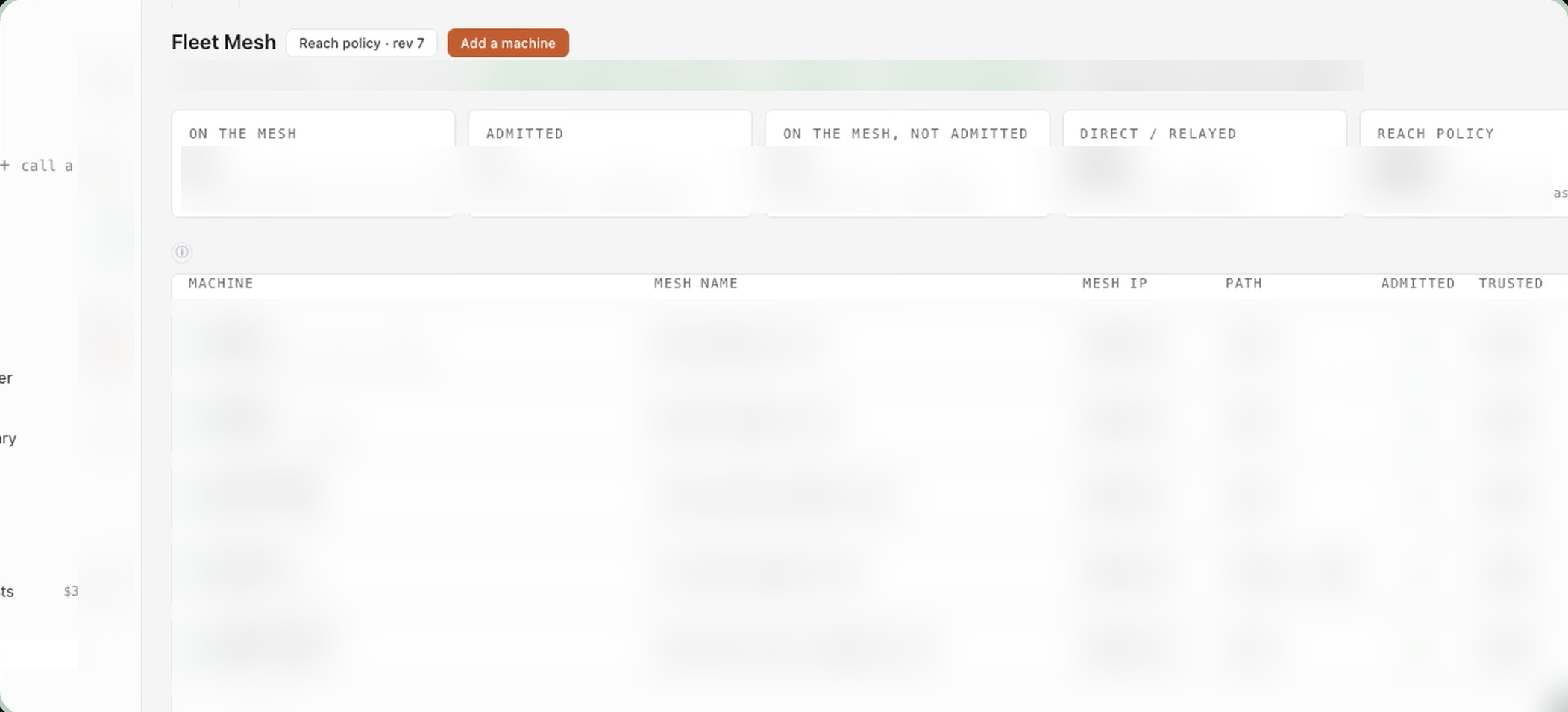
Fleet Mesh panel showing machines and their status. Application view from demonstration material.
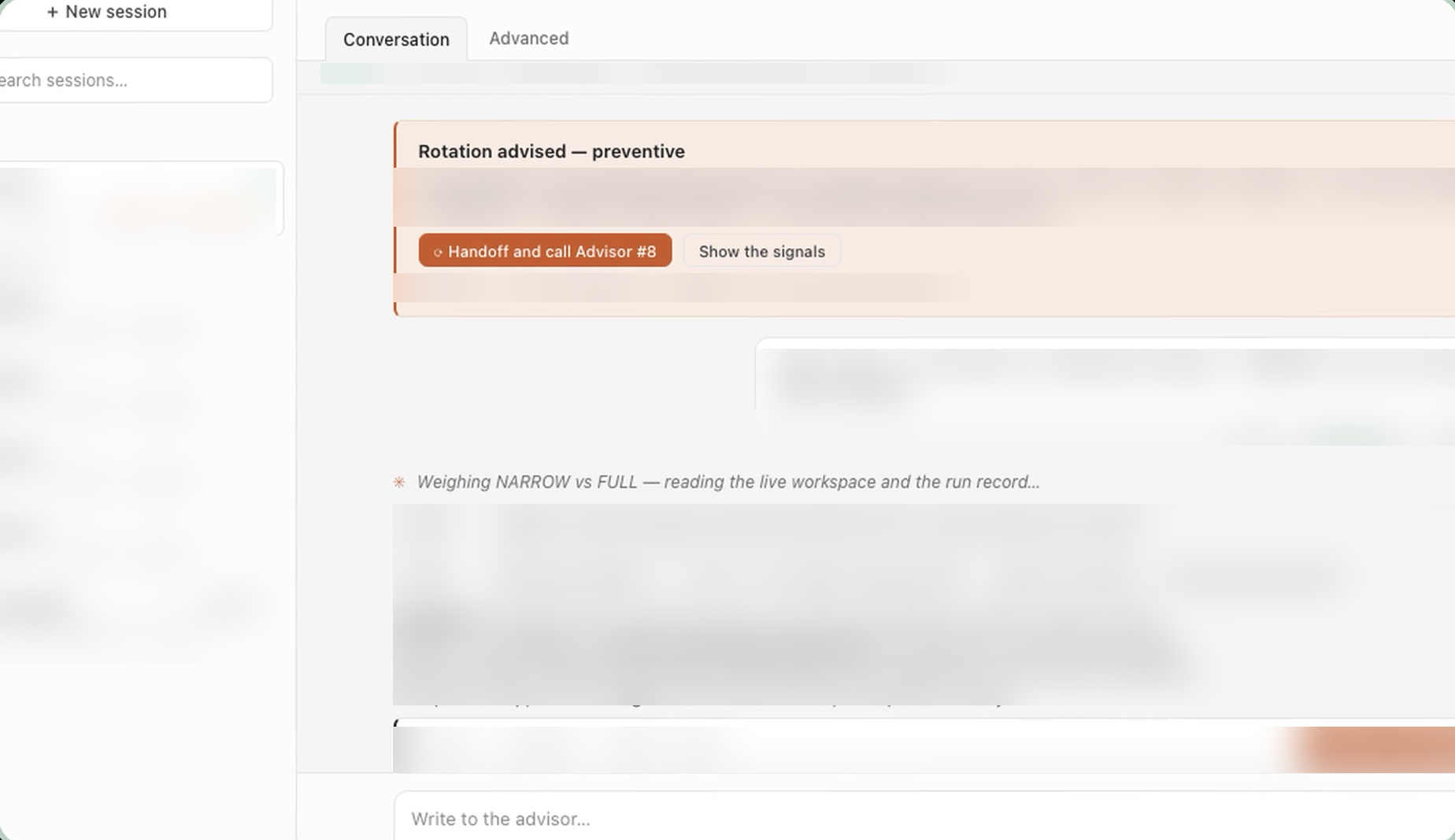
An advisor conversation in Saphan Studio from the earlier product presentation.
Task scope, decisions, costs and source documents in one chapter. The team can revisit the evidence behind a change.
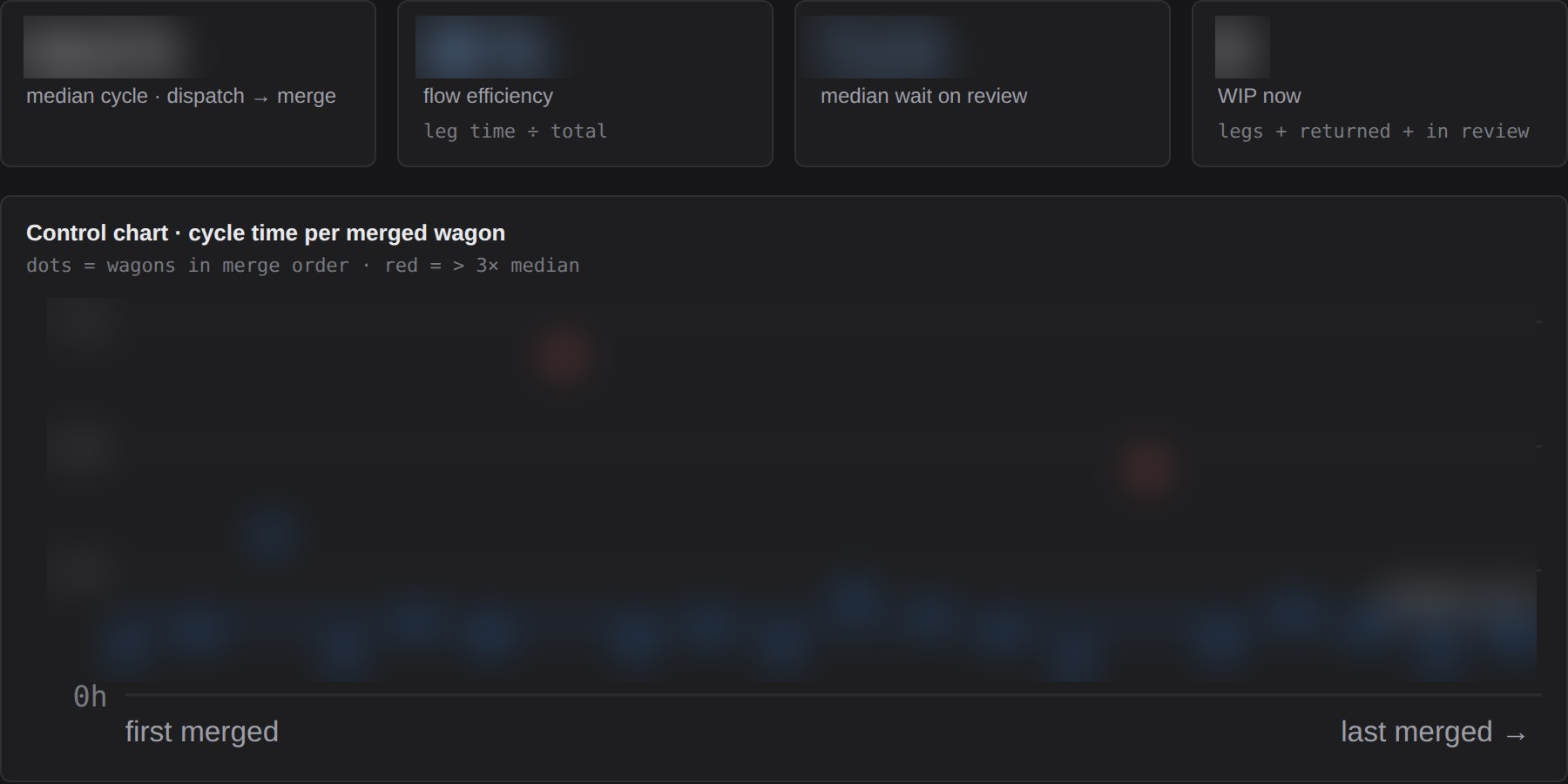
The flow report shows delivery time and time spent waiting for review and decisions, helping identify delays in delivering changes.
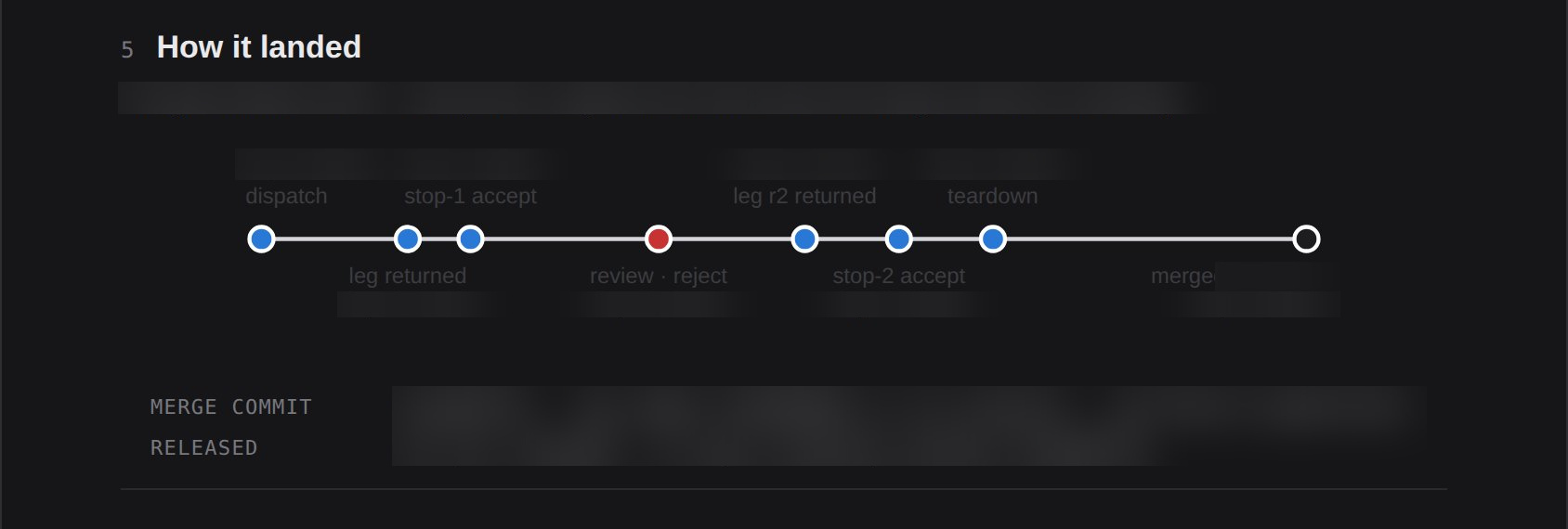
The timeline connects successive decision gates with signed records, through to merging the change into the repository.
These screens show different views and development stages of the console. Available features depend on the edition and configuration. Environment data has been blurred for publication.
Let's discuss the features you need, the right edition and licensing terms.
As agents work across more repositories and teams, there are more changes to review. You need to know what an agent was asked to do, what it could access and why its work was approved.
Saphan Studio organises this information so you can assess changes and trace decisions more easily.
Connect the agent's work to its objective, constraints and operating environment.
Define what an agent must submit for review before moving to the next stage, such as a change summary and test results.
Specify which actions require approval. Keep a record of decisions and rejected actions.
Review the task, the agent's actions and the reasons for approval in one place, without searching through multiple conversations.
An example to test in a pilot: an agent is assigned to fix an application bug. It prepares a code change, a summary of its work and test results. A reviewer assesses the evidence, approves the change or requests revisions. The task history later shows what was reviewed and who made the decision. The scope of this process depends on the agreed integrations and configuration.
Documentation and reports
Enterprise preview. The vendor has announced these screens for the Enterprise edition; the console is not yet publicly available.
Task scope, decisions, costs and source documents in one chapter. The team can revisit the evidence behind a change.
The flow report shows delivery time and time spent waiting for review and decisions, helping identify delays in delivering changes.
The timeline connects successive decision gates with signed records, through to merging the change into the repository.
Screens and capability descriptions: Saphan Systems ↗. Values in the screenshots are illustrative console data.
Designed for product companies, software houses and software development departments. Particularly where clients, security teams or auditors need to understand how changes are supervised.
Saphan Studio editions
Choose the edition that fits your workflow and organisation. Start with Solo, or the partner programme for Team and Enterprise.
For independent developers
Free forever
One developer and one workstation. A local engine, web console and CLI, with no separate server.
Let's talk about Solo ↗For engineering teams
USD 100 / month
Collaboration for teams, for example 2–100 people. An engine managed on your own infrastructure.
Let's talk about Team ↗For large organisations
USD 2,500 / month
For large organisations and regulated sectors. Your own infrastructure and identity management.
Let's talk about Enterprise ↗On small screens, swipe the table horizontally to see all editions.
| Feature | Solo | Team | Enterprise |
|---|---|---|---|
| Designed for | 1 developer, 1 workstation | Engineering teams, for example 2–100 people | Large organisations and regulated sectors |
| Pricing and terms | Free forever | USD 100 / month | USD 2,500 / month |
| Architecture | Local engine, web console and CLI; no separate server | Engine managed on your own infrastructure | Complete, self-contained on-premises infrastructure |
| Identity management | Local identity boundary | Saphan-managed OAuth and identity lifecycle | Your own saphan-oauth or local identity provider (IdP) |
We agree on a repository, tasks and pilot success criteria. We review the agent tools in use, access rules and required approvals. Finally, we assess whether the team can trace the history of a selected change and the reasons for its approval.
IP Partner is a Polish partner of Saphan Systems. We confirm the available scope and pilot terms before starting an engagement.
Technical resources
Read the vendor's documentation on installation, configuration, the console, integrations and security. It is a starting point for evaluating the solution before introducing it to your team.
Open Saphan Studio documentation ↗
Documentation is available in English on the manufacturer's website.
During a technical discussion, we review the agent tools and versions your team uses. We then confirm the scope of integration available with Saphan Studio.
Task, result and approval history is stored in the customer's environment. Whether code and data are sent to local or cloud AI models depends on the connected tools and must be agreed separately.
We tailor approval rules to your process and the type of changes involved. During the pilot, we assess both the quality of oversight and its impact on your team's day-to-day work.
Saphan Studio separates the estimated task cost from the spending limit. According to the documentation, the limit is set at twice the estimate; execution ends when that limit is reached. Cost records let you compare estimates with actual results and plan future tasks more accurately.
Approval gate decisions belong to a human and are recorded for the specific task. The system refuses transitions that skip a required approval. Before a change is merged into the repository's main branch, the merge mechanism checks the recorded decisions and execution conditions.
Yes. Once configured, the integration can notify selected Slack conversations when a human decision is needed or an approval has been recorded. Notifications are one-way: replying in Slack does not change the task's state. Decisions are made in the Saphan Studio console or command line.
Saphan Studio lets you trace a change backwards: from merge through decision and review to the original request and costs. The documentation explains where evidence is stored and how to verify it. These records support audits, but using the product alone does not certify your organisation or establish compliance with standards.
Let's discuss Solo or the Team and Enterprise partnership options. We can help you choose a deployment approach, infrastructure and access rules.